
Ad Reform changelog
Changelog
The latest Ad Reform releases and improvements.
By continuing, you agree to our T&C and Privacy Policy.
Google Display & Video 360 integration (beta)
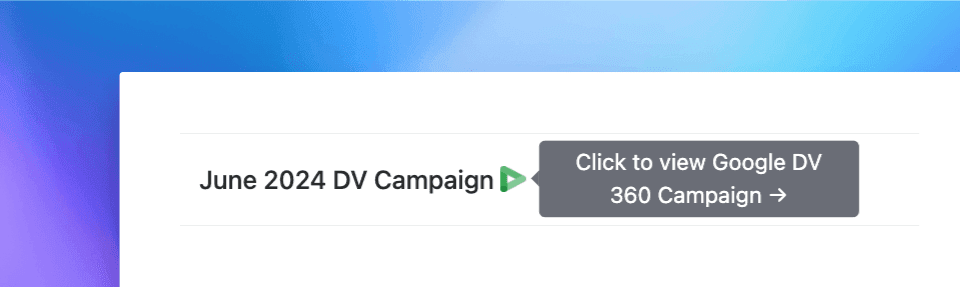
Using our new Google Display & Video 360 (DV360) integration, you can automatically import ad data from DV360 without lifting a finger. Just connect your Google account and we'll start syncing advertisers, orders, and creatives DV360 every day.
As we continue in the beta phase, we'll be adding DV360 support in Screenshot Workflows as well, which will fully automate your screenshot efforts ✨
Want beta access to our DV360 integration? Let us know →
More improvements & fixes
Fixed sorting screenshots by
Createddate in the web UIUpdated webhook retries to stop if the webhook endpoint is deleted
Improved Xandr-driven Screenshot Workflows to de-duplicate ads using the Xandr Creative ID to reduce screenshot volume
Custom PowerPoint templates
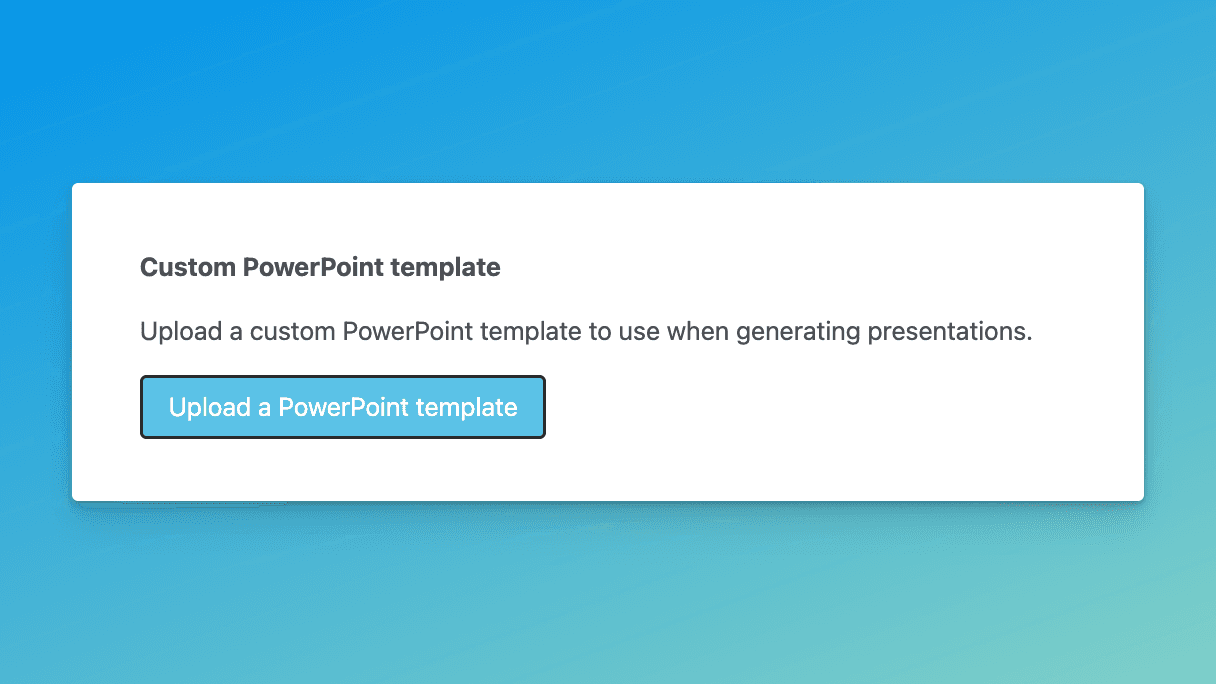
You can now upload branded PowerPoint templates to use when generating presentations, saving you and your team even more time. In addition to dynamically inserting Ad Reform data (e.g. campaign.name) into your slides, we'll also reproduce any static content or placeholder slides included in your template in the final result.
Check it out and let us know what you think →
See who requested a given screenshot
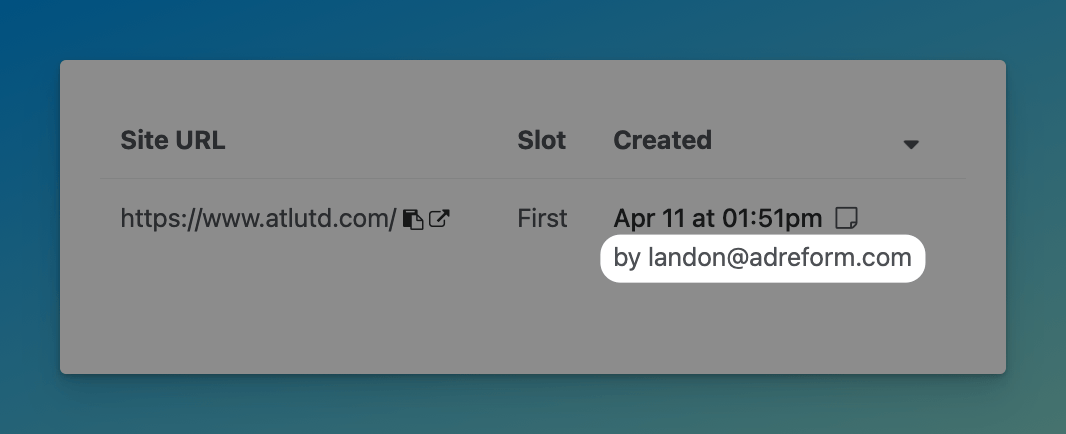
We now show the email address of the person who requested each screenshot, making it easy to differentiate screenshot volume across your team and across import channels (e.g. web vs. API).
More improvements & fixes
Fixed Xandr sync error when syncing a Campaign with an IO on-demand with expired or invalid Xandr credentials
Fixed Xandr sync issue where call-to-action wasn't getting pulled in for native ads
Microsoft single sign-on (SSO)
Ad Reform now supports SSO using Microsoft Entra ID.
SSO is useful for teams that want additional controls and visibility across their organization, ensuring that only authorized people have access to your Ad Reform organization.
To get started with SSO, contact us →
More improvements & fixes
Added support for PadSquad custom ad creatives
Fixed bulk tagging for sites (tags weren't getting applied when doing so in bulk)
Fixed an issue where an organization's default special instructions weren't getting applied in certain cases
Updated Xandr sync to skip Line Items with no associated Insertion Orders
Fixed ad frame selection on the screenshots table (when trying to change an ad's frame from the screenshots list, it didn't work)
Fixed issue with URL placement when using Mac OS wrapper
Windows OS screenshots
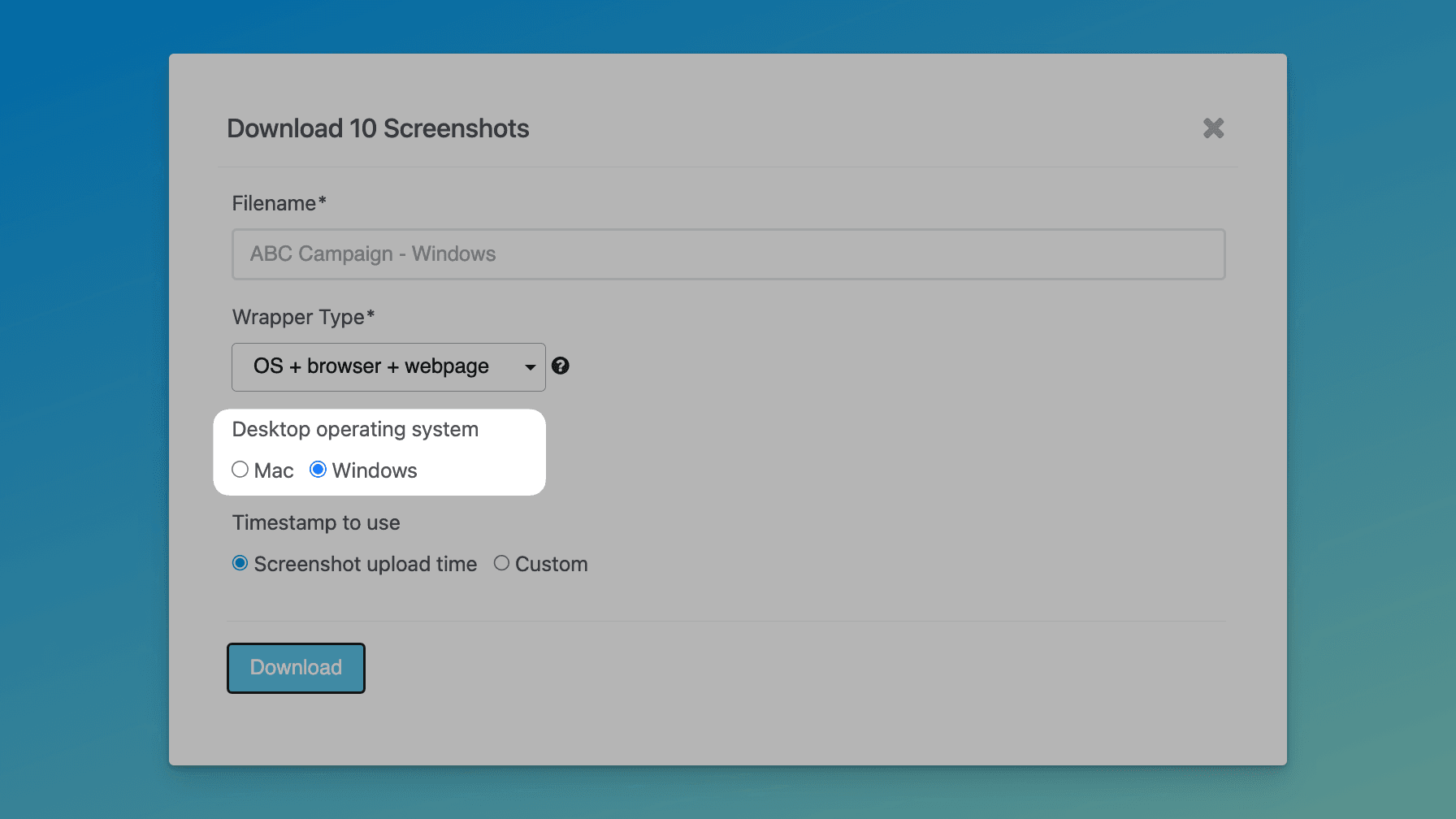
When downloading screenshots with timestamps, you can now select Windows as the operating system (OS) for desktop screenshots. Each OS uses its default browser for screenshots: Mac uses Safari, Windows uses Edge.
Sync native ads from Xandr
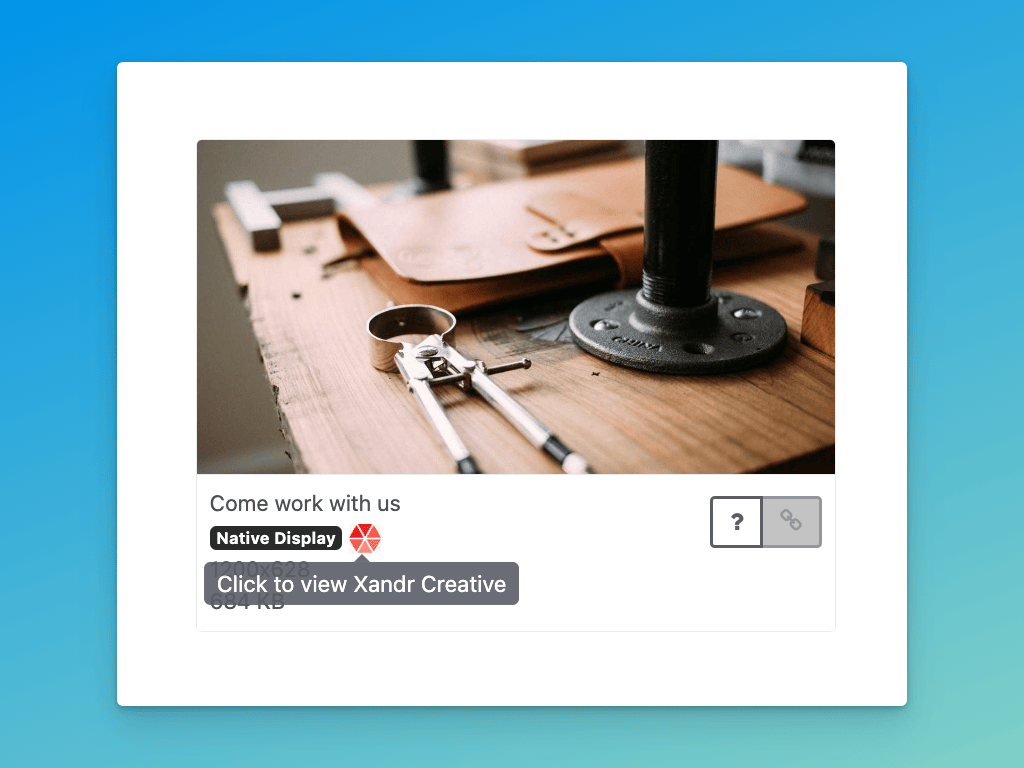
As promised, we've updated our Xandr integration to sync native ads. If you've already connect your Xandr account, you'll start seeing native ads come through.
This also works when importing ads manually in the web UI. If you paste a Xandr preview URL, we'll import it as a banner ad or native ad automatically.
Fully automated GAM screenshots
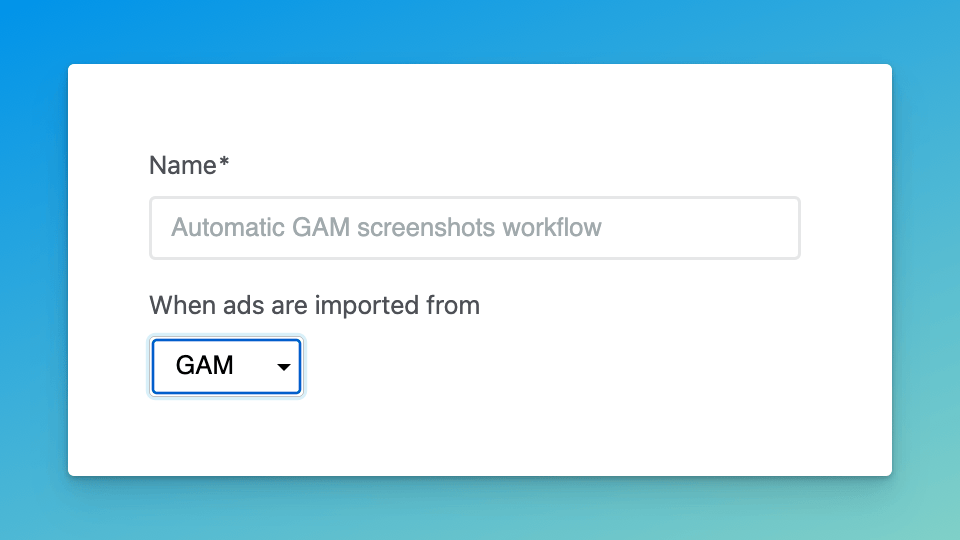
We've added GAM support to Screenshot Workflows, enabling fully automated screenshots from GAM creatives. When a GAM workflow runs, we'll automatically find sites that match any custom key/value Line Item targeting ✨
Both the GAM integration and Screenshot Workflows are currently in beta. If you'd like to try them out, please let us know →
More improvements & fixes
Added "reconnect" option for the GAM integration
Updated how we handle invalid GAM credentials so users get notified that they need to reconnect their GAM account
Updated GAM sync to sync since the last sync run or up to 7 days ago, whichever is more recent
Xandr: Sync video ads and import tag sheets
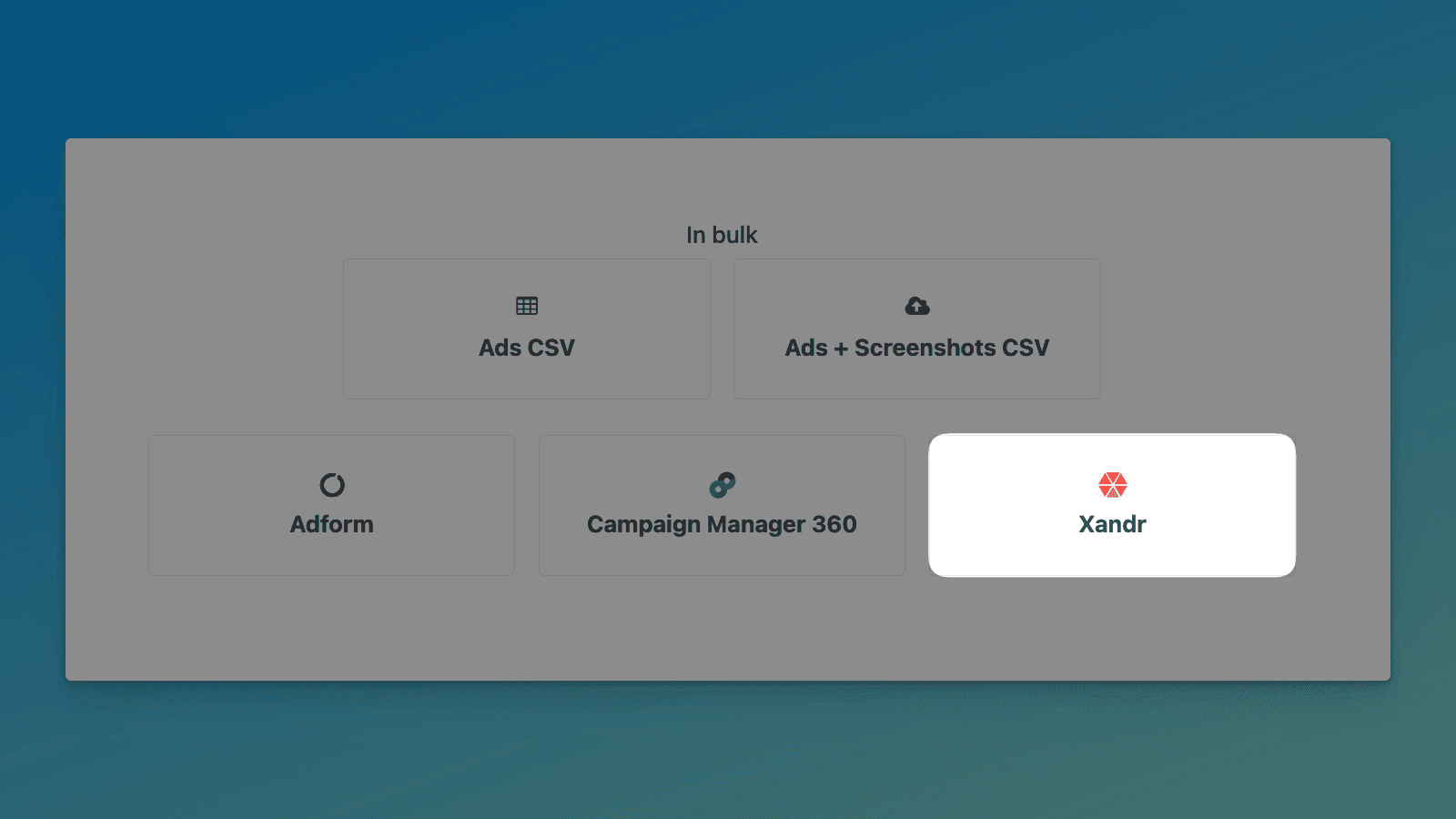
Our Xandr integration now supports video ads, so we'll automatically pull in any video ads each day when we sync. We're also adding support for native ads, which should be out soon (keep an eye on the changelog).
If you haven't connected Xandr yet, or you just need to do periodic manual imports of Xandr ad data, we've added support for the Xandr tag sheet on our ad import page. Just drop a CSV exported from Xandr and your ads will get loaded right in.
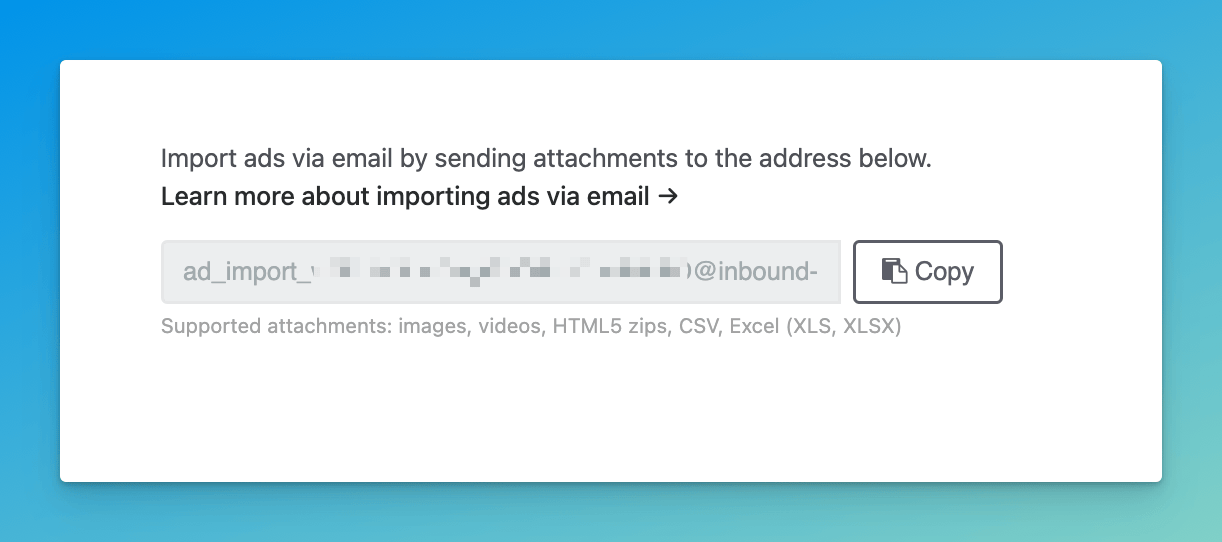
Tip: You can attach a Xandr tag sheet (or any supported file format) to an email and send it to your Inbound Email address to import ads without even opening the app ✨
GAM: Sync HTML5, video, and Campaign Manager 360 tags
Our GAM integration now supports a lot more ad formats, like HTML5, video, and CM 360. Check out our help article for the full list of supported formats.
More improvements & fixes
Added an in-app notification for users of the Xandr integration if the sync isn't working (due to e.g. invalid or expired credentials)
Fixed display of long URLs in the sites table (they're truncated now, with a tooltip and quicklinks to copy and open the URL)
Fixed browser page titles for Screenshot Workflows pages (which makes going forward/back in your browser a little easier)
Fixed a bug in site lists that caused errors when trying to add the same URL to a site list more than once (now it just works)
Fixed navigation breadcrumbs on Ads.txt Pro validation request pages
Updated ads.txt validator emails to send from
[email protected]
Import ads from Adform
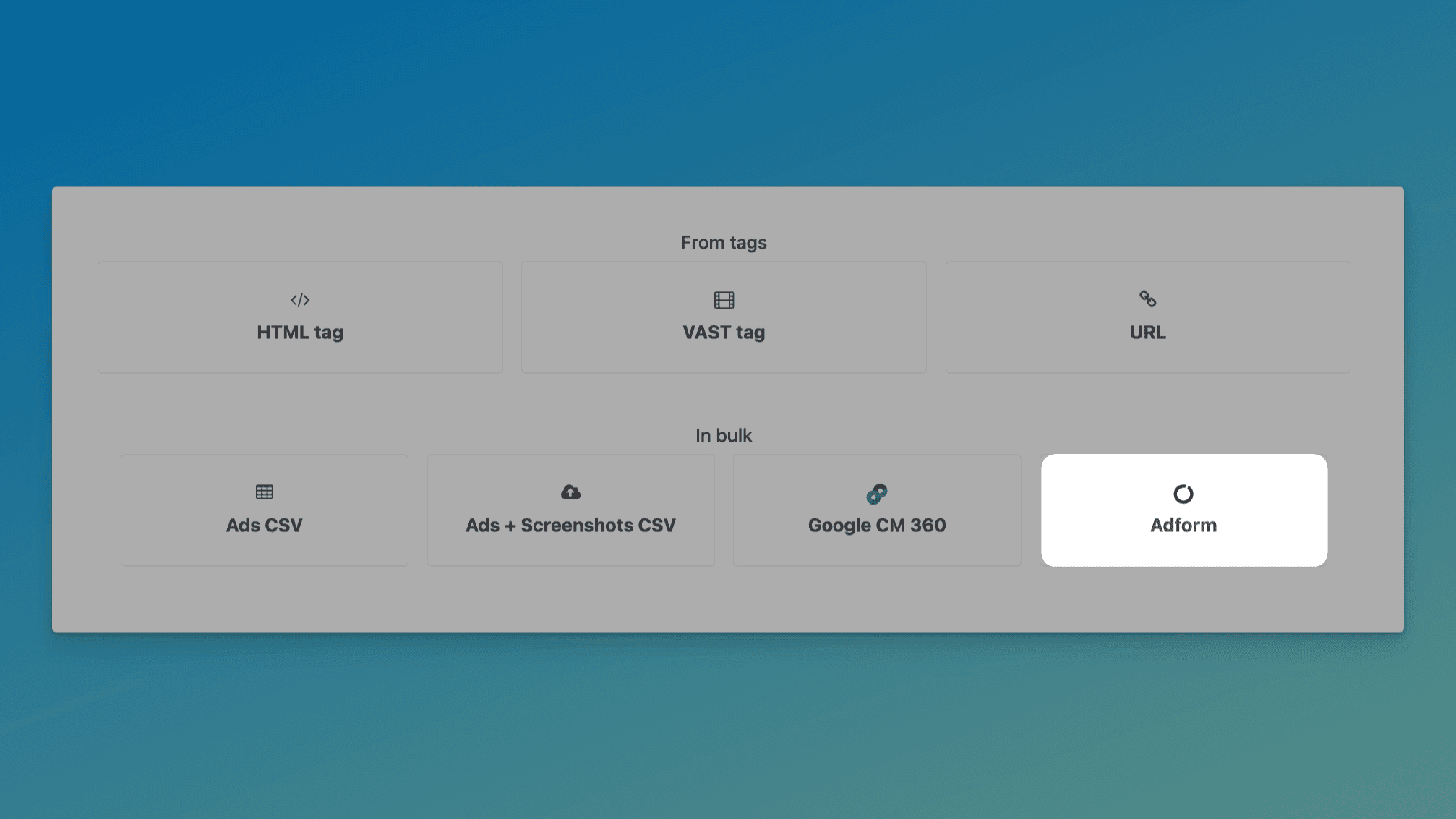
If you use Adform, you're about save even more time: you can now import ads in bulk from an Adform Excel tag sheet. Just click Adform on the ad import page, drop in your Excel file, and you're done.
Using a different ad platform you want us to support? Let us know →
More powerful site lists, for everyone
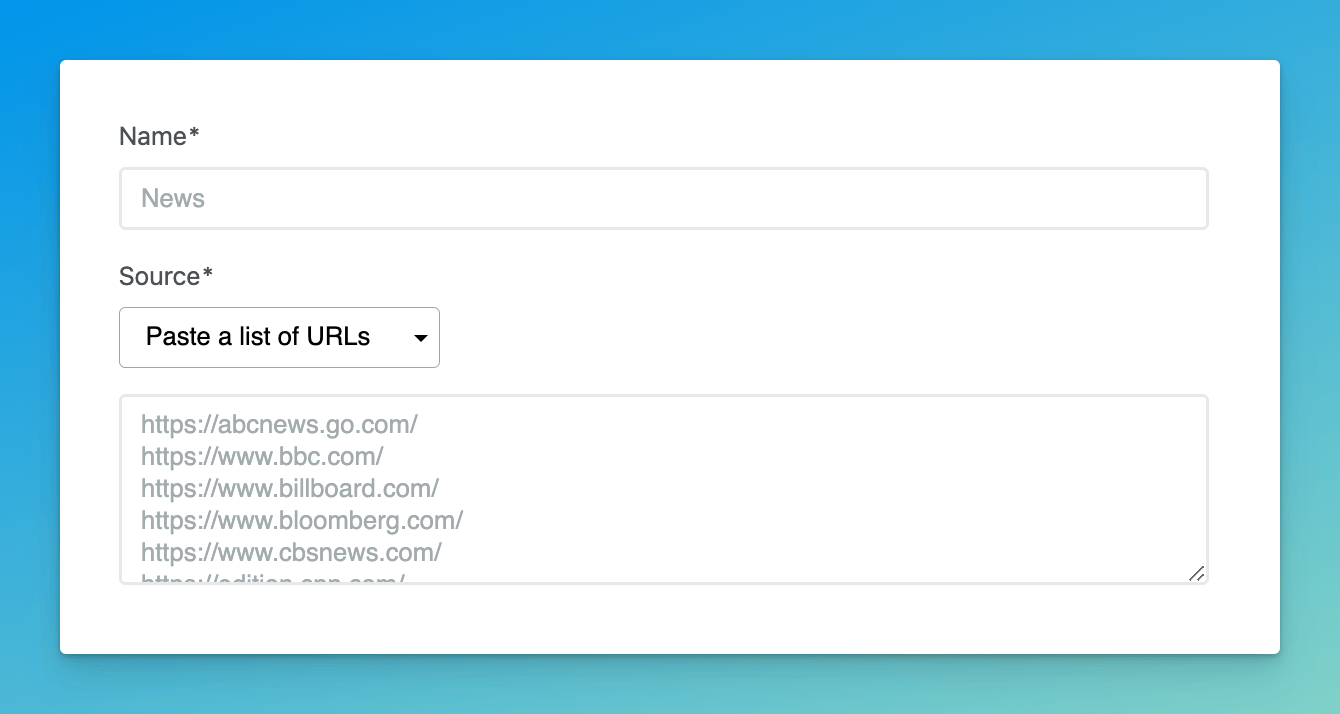
We've fully launched our new site lists feature, which we first started rolling out last November. Our new site lists let you:
Set up dynamic site lists using tags and filters
Fully automate screenshots (when combined with Screenshot Workflows)
For accounts that haven't yet tried the new site lists, we've added four site lists for you to get you started.
Try out the new site lists here →
Smarter device selection in Screenshot Workflows
When deciding which device to use for automated screenshots in a workflow, we now prioritize devices that are most relevant to an ad's dimensions. To learn more about how it works, check out our help article.
Want to fully automate your screenshots? Join the beta →
More improvements & fixes
Expanded GAM sync to support HTML5 and third-party tags (in addition to images)
Added links to related GAM pages for data synced via GAM Connector
Revamped the billing page to incorporate invoice history and easier payment method management
Added an icon to indicate where an ad was imported from (e.g.
web,API, etc.)Improved ad tag processing to handle malformed video URLs and newline characters
Fixed Xandr icon on integrations page
Google Ad Manager integration (beta)
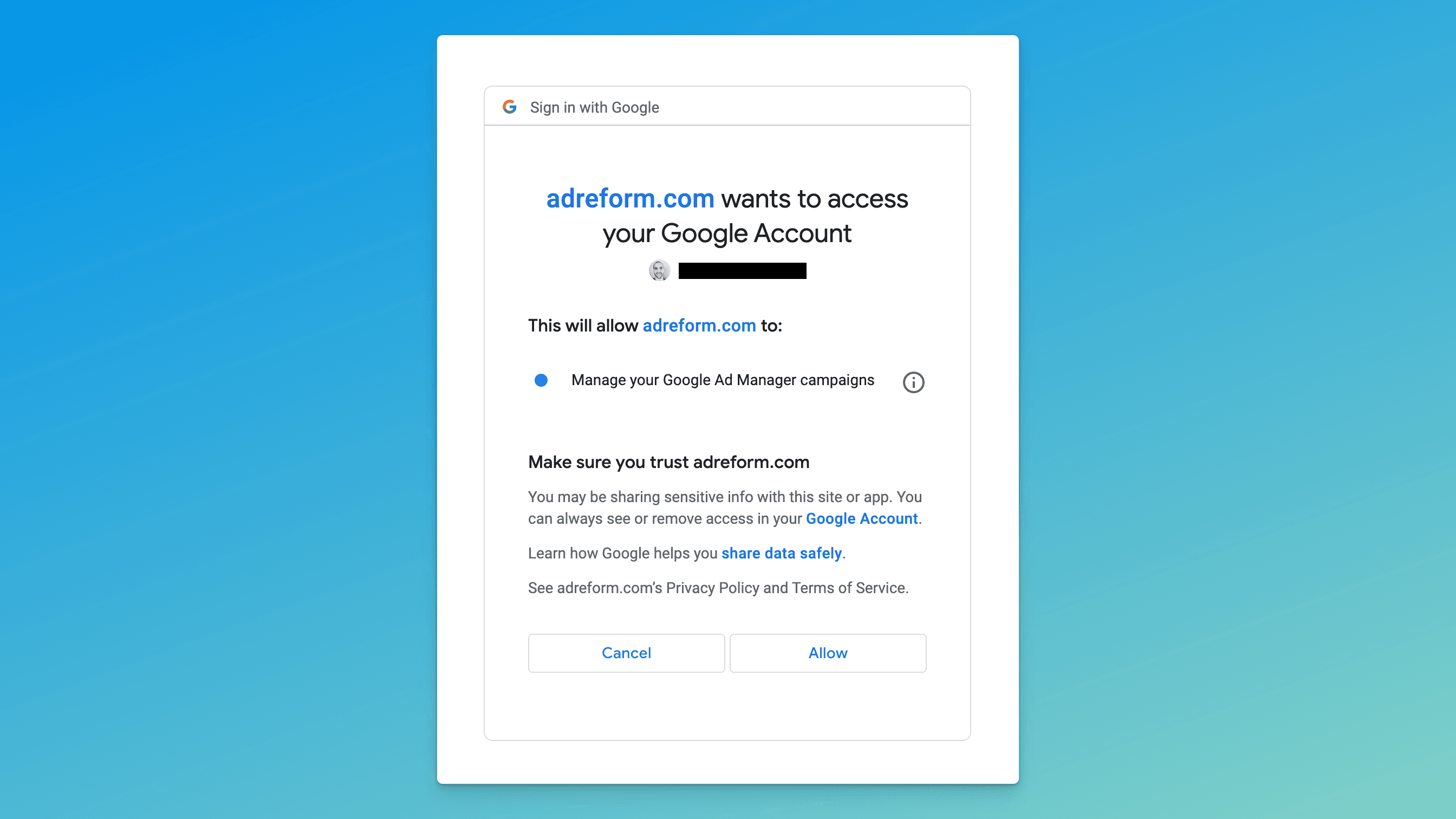
Using our new Google Ad Manager (GAM) integration, you can automatically import ad data from GAM without lifting a finger. Just connect your Google account and we'll start syncing advertisers, orders, and creatives from GAM every day.
As we continue in the beta phase, we'll be adding GAM support in Screenshot Workflows as well, which will fully automate your screenshot efforts ✨
Want beta access to our GAM integration? Let us know →
Campaign and Client filtering in Screenshot Workflows
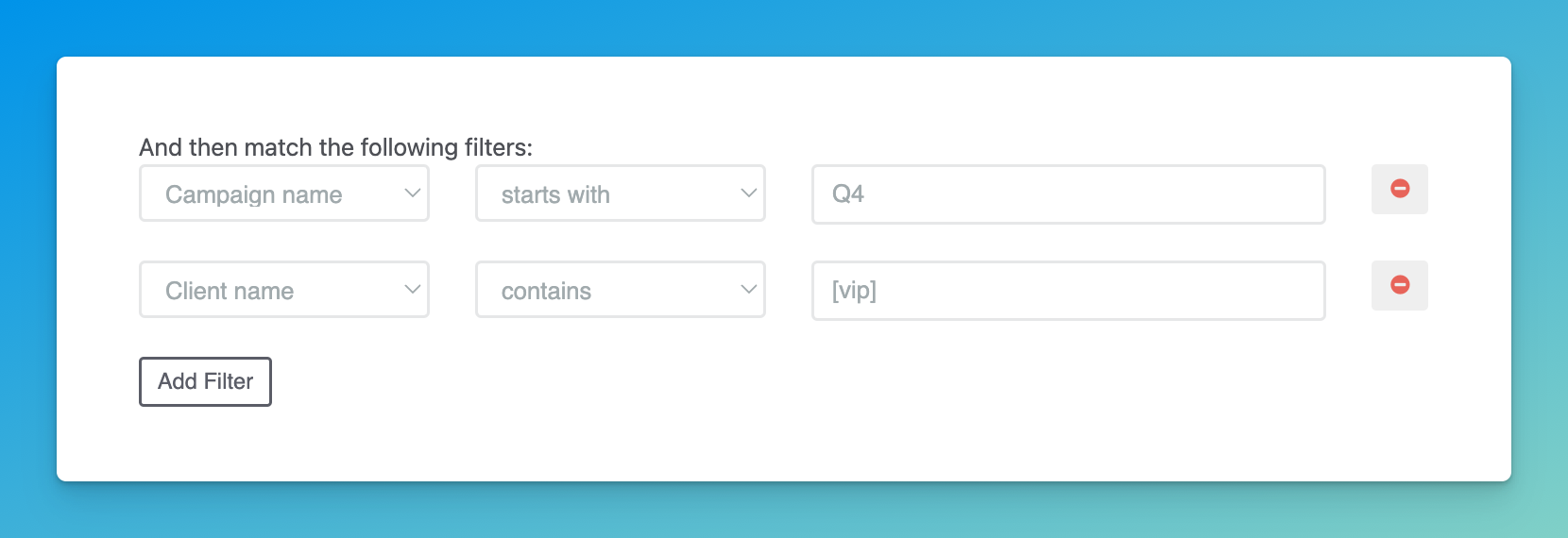
You can now target a workflow to specific campaigns or clients using our new filtering options. This gives you even more control over which screenshots are fully automated, letting you do things like:
Ensuring any client with
vipin their name gets a more comprehensive set of screenshots (e.g. on multiple sites and devices)Limiting a workflow to certain campaigns (e.g. matching certain patterns)
More improvements & fixes
Added default site lists
Improved ad capture to support more ad creatives that use the
figureelementFixed site list filters to de-dupe filters when creating or updating a dyamic site list
Fixed race condition on screenshot approval that caused inconsistency with screenshot image URLs
Fixed site list filtering to properly use
orinstead ofandFixed campaign creation to ignore deleted campaigns when requiring a unique name for a new campaign
Fixed race condition that caused minor delays when storing certain screenshot images in a customer-defined S3 bucket
Add a site list when requesting screenshots
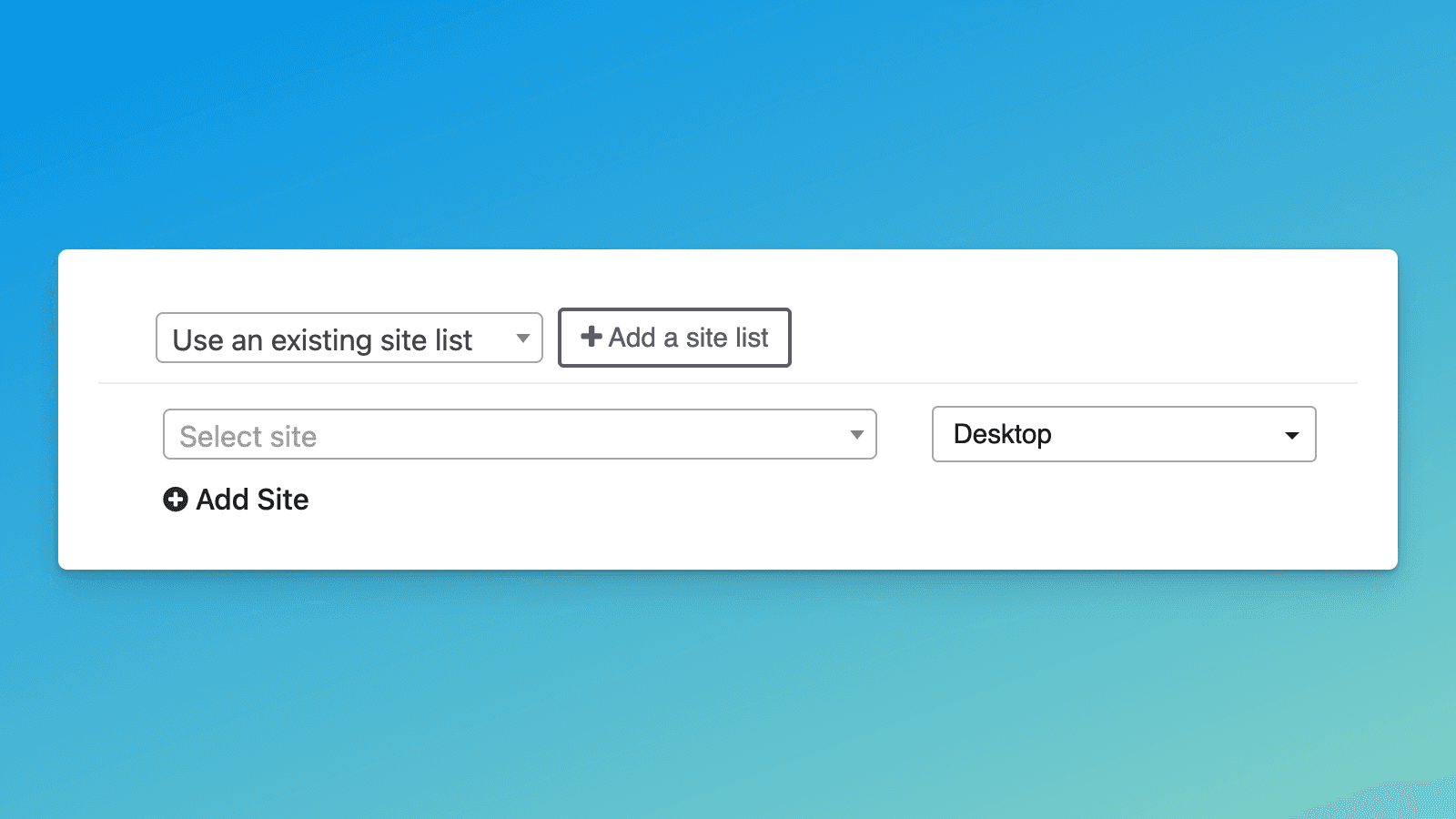
You can now add a site list directly from the screenshot request page. This makes it easy to paste in a list of sites for the campaign you're working on (e.g. a site list from your campaign reporting) without leaving the request flow.
Coming soon: Set a site list as the default for a campaign or client
Interested in trying out the new site lists? Let us know →
More improvements & fixes
Added a search field to the site list dropdown when creating/editing a screenshot workflow (this makes it way easier to find the list you want, especially if you have a lot of lists)
Added support for editing an existing site list (because of course)
Fixed a race condition when sending
screenshot_set.approvedwebhooks that could cause inconsistency between thestatusof a screenshot and the presence of itsimage_url